How to Screen Record on iPhone: Complete Step-by-Step Guide
⚡ Key Takeaways Before you can record anything, the Screen Recording button has to live in Control Center. Once the control is in place, recording
⚡ Key Takeaways Before you can record anything, the Screen Recording button has to live in Control Center. Once the control is in place, recording
⚡ Key Takeaways Every iPhone runs warm during demanding tasks, that's normal. Overheating almost always traces to one of these culprits:

⚡ Key Takeaways 🧮 Free tool: iPhone Storage Calculator (How Much Storage Do I Need?) Get instant results in seconds — no signup. Open the calculator
⚡ Key Takeaways The display consumes more power than anything else on your iPhone, so this is where the biggest savings live. Apps quietly using
⚡ Key Takeaways An eSIM (embedded SIM) is a small chip permanently built into your iPhone that stores your carrier and phone number information
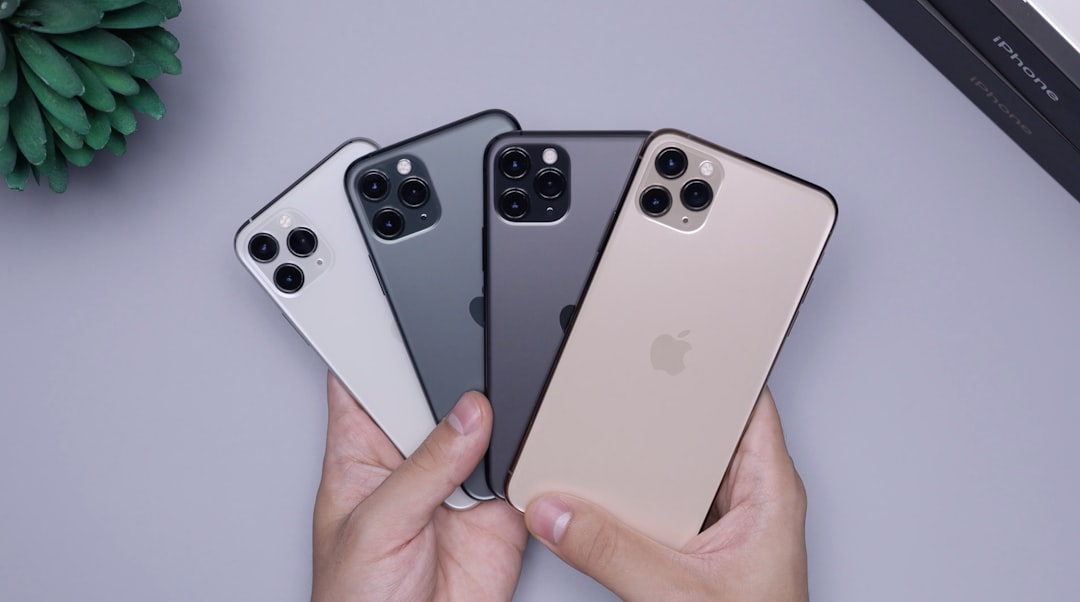
⚡ Key Takeaways At their heart, these devices were designed around different philosophies. Add a keyboard case and trackpad, and a high-end iPad
⚡ Key Takeaways A little prep makes the whole process smoother: For the fastest, most reliable transfer, connect the two phones with a cable using an
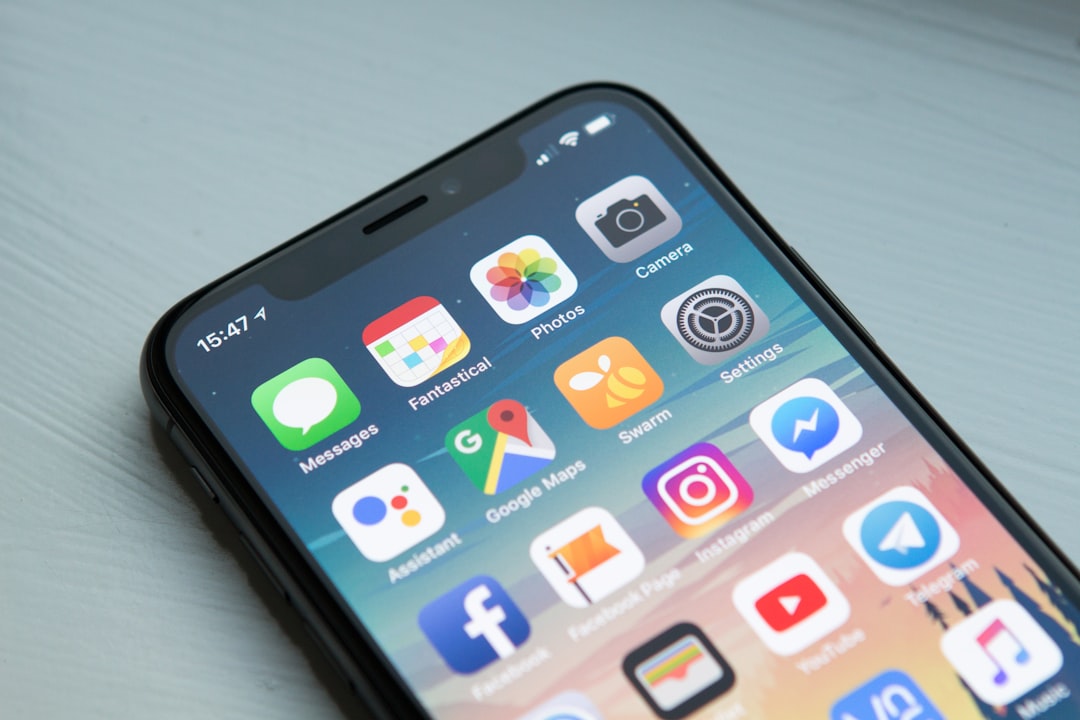
⚡ Key Takeaways When people ask how long an iPhone lasts, they're usually blending two separate questions: Apple has the best track record in

⚡ Key Takeaways Apple sells four lines, and each targets a different buyer: Prices vary by storage and connectivity; cellular models and larger
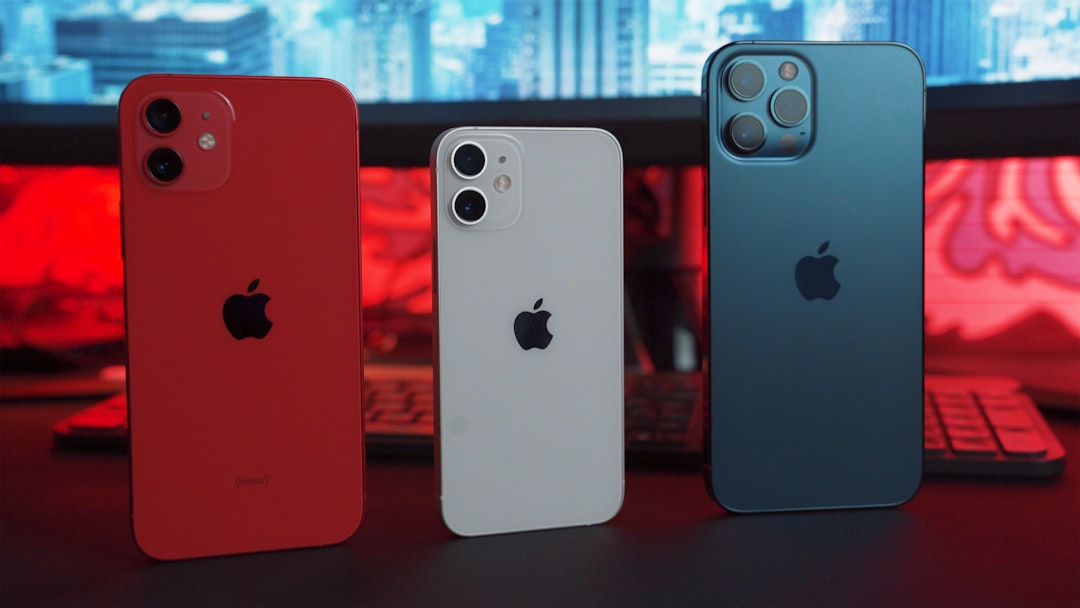
⚡ Key Takeaways Before changing anything, diagnose the problem. Apple considers a battery "worn" once Maximum Capacity falls below 80