
With the transition of the entire Apple mobile ecosystem to USB-C—including the latest iPhone and iPad models—the demand for reliable, high-speed wired internet connections has surged. While Wi-Fi 6E and Wi-Fi 7 offer impressive wireless speeds, nothing matches the ultra-low latency, stability, and security of a physical Ethernet connection for competitive mobile gaming, large file transfers, or secure remote work. This buying guide explores the best USB-C Ethernet hubs and adapters available in 2026, helping you choose the perfect hardware to keep your iOS and iPadOS devices securely connected to local networks.
Recommended Products
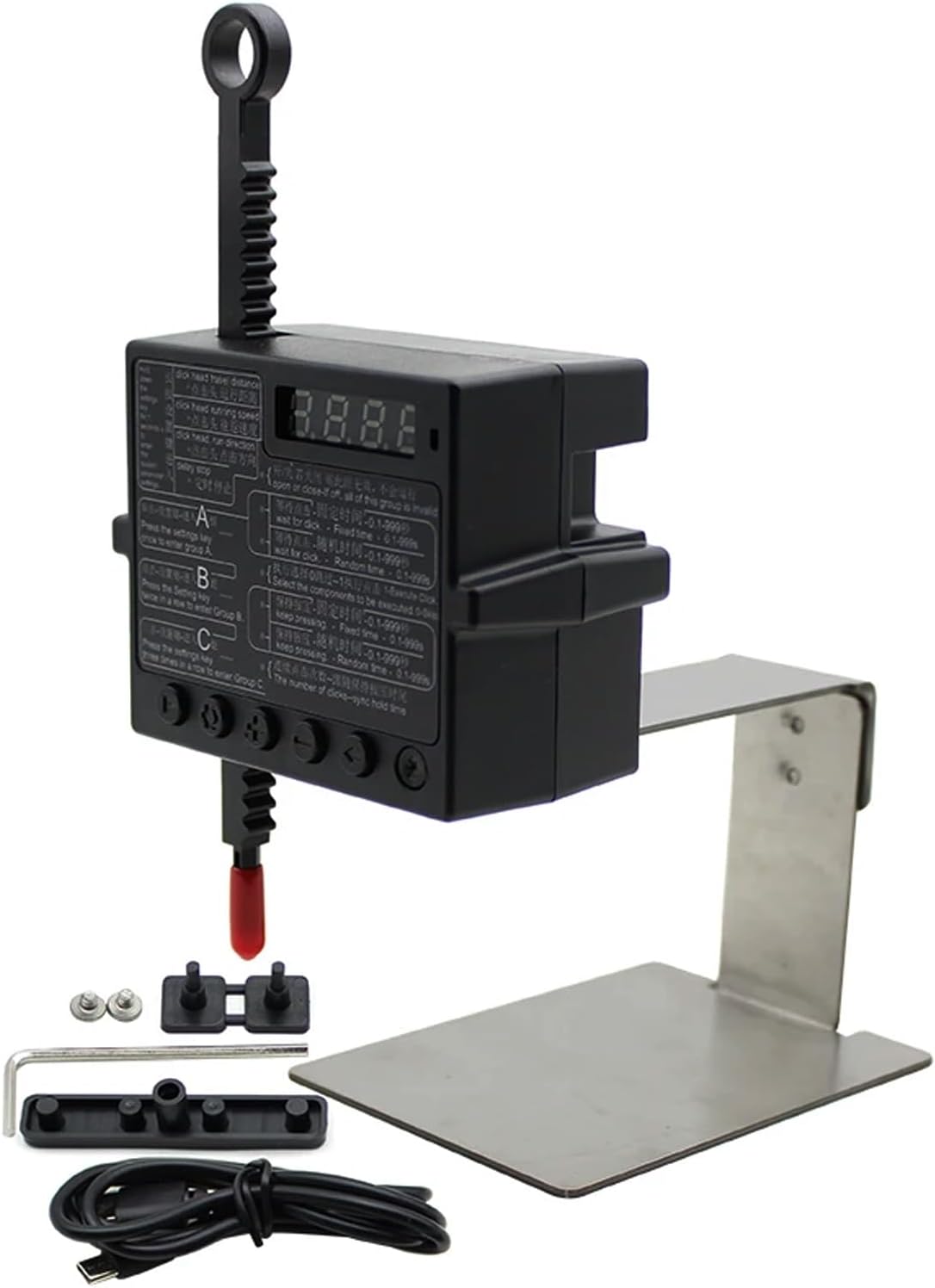
Physical Click Auto Keyboard Clicker Mouse Jigglier;Auto Random Clicking Game Assist; Mouse Mover Auto clicking Tool (ABC)
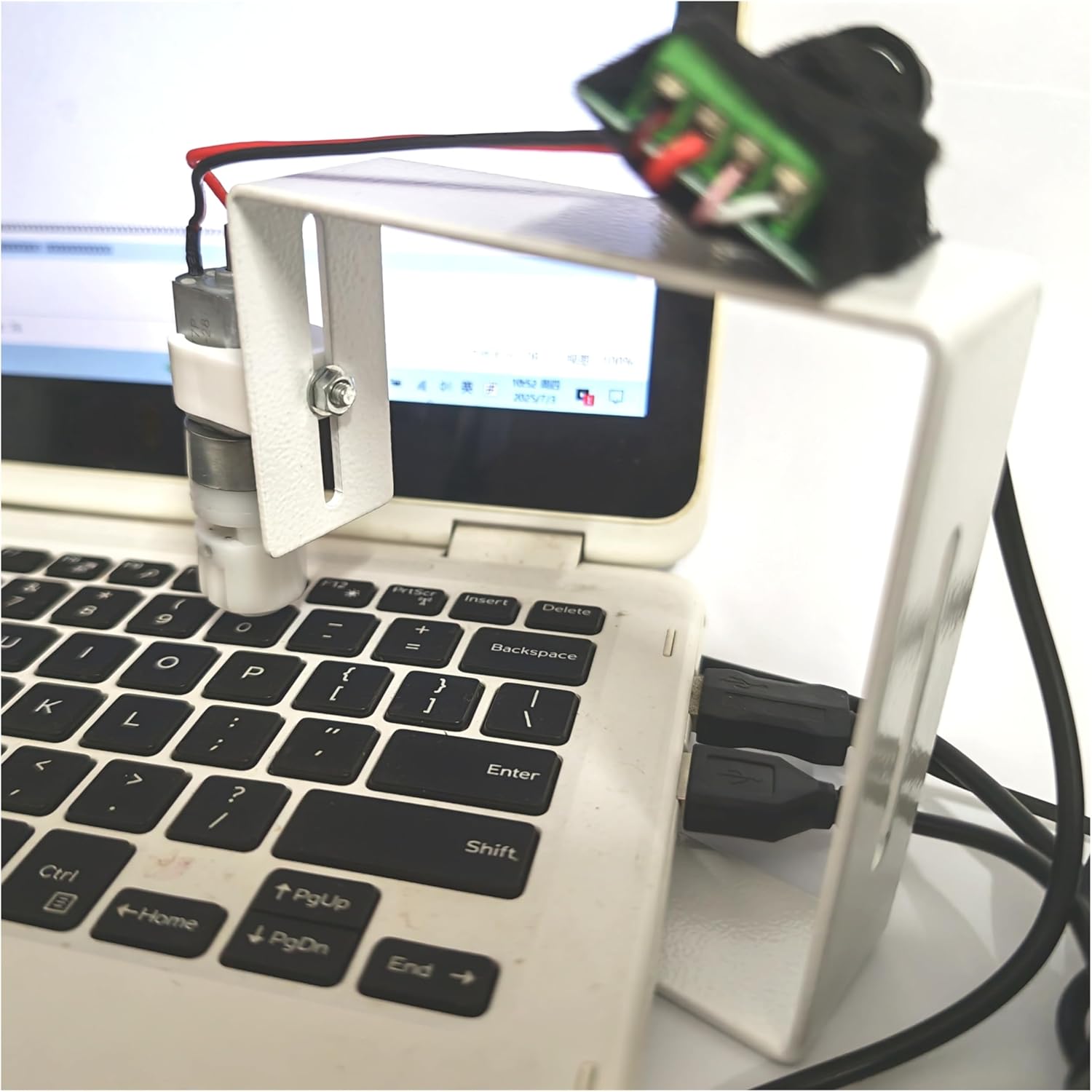
Prime Physical Click Auto Keyboard Clicker Mouse Jiggler Mouse Mover Auto clicking Tool

Prime Keychron J2 Wireless Mechanical Keyboard - 75% Layout with Knob, Red Switch QMK RGB Backlit, 2.4G/Bluetooth/USB, Double-Shot Cherry PBT Keycaps, Mac/Win/Linux Compatible - Black
As an Amazon Associate we earn from qualifying purchases. Product prices and availability are accurate as of the date/time indicated.
What to Look for in a USB-C Ethernet Hub
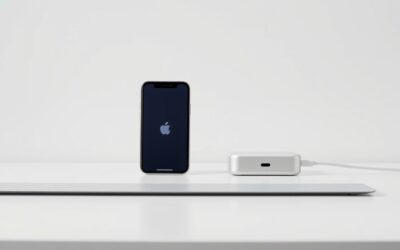
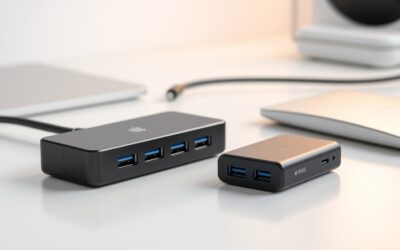
When shopping for a USB-C Ethernet adapter for your iPhone or iPad, the first consideration is whether you need a single-purpose adapter or a multi-port hub. A simple USB-C to Ethernet adapter is compact, highly portable, and draws minimal power from your device, making it ideal for quick diagnostic work or light travel. However, because modern iPhones and iPads feature only a single USB-C port, a multi-port hub is often a much more practical choice. These hubs split your single port into an Ethernet jack, USB-A ports for external storage or peripherals, and critically, a USB-C Power Delivery input port.
Another vital factor is build quality and thermal management. Gigabit Ethernet controllers can generate noticeable heat during sustained high-speed data transfers. Look for adapters housed in aluminum enclosures rather than cheap plastic; aluminum acts as a passive heatsink, dissipating heat away from the internal chips and ensuring a stable, uninterrupted connection during long gaming sessions or massive cloud backups.
Key Features and Specifications That Matter
The technical specifications of your Ethernet hub will directly impact your network performance and device usability. The most critical specification is the network speed rating. While standard Gigabit Ethernet (1 Gbps) is more than sufficient for most residential internet connections and streaming needs, 2.5 Gbps Ethernet adapters have become the modern standard for power users. If you regularly transfer large video files to a local Network Attached Storage (NAS) system or have a multi-gigabit fiber internet plan, investing in a 2.5 Gbps-capable USB-C hub ensures you are not bottlenecking your network hardware.
Power Delivery (PD) pass-through is another non-negotiable feature for iPad and iPhone users. Look for hubs that support at least 60W to 100W PD input. Since the hub itself consumes a small amount of power (typically 5W to 15W) to run its internal controllers, a high PD rating ensures that enough wattage is passed through to fast-charge your iPad Pro or iPhone at maximum speeds while you are actively using the wired network. Finally, look for driverless “plug-and-play” compatibility with iOS and iPadOS, which ensures the adapter works instantly without requiring third-party software.
How to Choose for Different Needs and Budgets
Your ideal USB-C Ethernet hub depends heavily on your daily workflow and budget. For casual users who simply want a reliable backup connection for occasional travel or video conferencing, a budget-friendly, single-port USB-C to Gigabit Ethernet adapter is the most sensible choice. These are highly affordable, take up virtually no space in a gear bag, and require no external power source to function.
For mobile gamers and creative professionals working on iPads, a mid-range multi-port hub is the sweet spot. This setup should feature a Gigabit or 2.5 Gbps Ethernet port, at least two USB-A ports for external drives or audio interfaces, and a USB-C Power Delivery port. If you are a power user deploying an iPad Pro as a desktop replacement, you should opt for a premium Thunderbolt or high-bandwidth USB4 dock. These high-end hubs offer dedicated power supplies, multiple display outputs, SD card readers, and ultra-high-speed Ethernet ports, transforming your tablet into a fully functional workstation.
Setup and Usage Tips for iPhone and iPad
Setting up a wired network on your Apple device is incredibly simple, but a few optimization steps will ensure the best experience. To get started, disable Wi-Fi on your iPhone or iPad after plugging in the Ethernet hub. While iOS is smart enough to prioritize a wired connection, manually turning off Wi-Fi guarantees that all data traffic is routed through the physical cable, preventing accidental wireless dropouts. You can verify the connection by opening the Settings app, where a dedicated “Ethernet” menu will appear directly below the Wi-Fi tab when a compatible adapter is connected.
If you are using a multi-port hub with Power Delivery, always connect your official Apple charger or a high-quality GaN charger to the hub’s PD input port before plugging the hub into your iPhone or iPad. This prevents temporary connection drops that can occur if the hub suddenly has to renegotiate its power source. Additionally, ensure you are using Cat5e or Cat6 Ethernet cables; using an outdated or damaged cable can limit a Gigabit or 2.5 Gbps adapter to mere 100 Mbps speeds.
Who Each Type of Adapter Suits Best
The minimalist single-port Ethernet adapter is best suited for network administrators, IT professionals, and digital nomads who prioritize portability and need a quick, reliable way to hook into physical routers or switches on the go. It is also perfect for iPhone users who want a distraction-free, low-latency connection for competitive mobile gaming without carrying a bulky dongle.
The multi-port utility hub is designed for students, remote workers, and content creators. If you use your iPad for writing, video editing, or virtual meetings, this type of hub allows you to connect to high-speed internet, charge your device, and plug in a hardware keyboard, mouse, or external SSD simultaneously. Finally, the premium desktop dock is tailored for professional artists, developers, and office executives who use their iPad Pro as their primary computer at a dedicated desk, offering a seamless single-cable connection to an entire desktop ecosystem.
Related guides on our site: Ipad pro yellow screen troubleshooting guide for users · MacBook Pro bezel crack: Expert Repair and Prevention Tips · Orange smudge on macbook pro screen: Expert Removal Guide · Icloud locked macbook pro: A complete recovery guide · Macbook pro 2017 backlight issue troubleshooting guide.
Frequently Asked Questions
Do I need to install any apps or drivers to use a USB-C Ethernet adapter on my iPad or iPhone?
No, you do not need to install any external drivers or applications. Apple devices running modern versions of iOS and iPadOS feature native, built-in driver support for standard USB Ethernet controllers. Simply plug the adapter into your device’s USB-C port, connect the Ethernet cable, and your device will automatically detect the network and establish a connection within seconds.
Will using a USB-C Ethernet hub drain my iPhone or iPad battery quickly?
A simple, single-port Ethernet adapter draws very little power and will have a negligible impact on your battery life. However, multi-port hubs with active chipsets for USB ports and card readers draw more power. To prevent battery drain when using these larger hubs, it is highly recommended to connect a USB-C charger to the hub’s Power Delivery (PD) port, which will simultaneously power the hub and charge your iOS device.
Can I use a 2.5 Gbps Ethernet hub with an older iPhone or iPad that has a slower USB-C port?
Yes, USB-C Ethernet adapters are backward compatible. A 2.5 Gbps adapter will work perfectly fine on a device with a standard USB 2.0 speed USB-C port (such as the base model iPhone 15 or iPhone 16), but your maximum data transfer speed will be limited by the device’s USB port bandwidth (roughly 480 Mbps). To achieve the full 2.5 Gbps speeds, you must connect the adapter to a device with a high-speed USB 3 or Thunderbolt port, such as the iPhone Pro models or the iPad Pro.


Write Your Review
No reviews yet. Be the first to share your experience!