
Wired CarPlay is only as reliable as the cable carrying it, and flaky cords cause most of the dropouts drivers blame on their cars. For Lightning iPhone owners in 2026, this guide covers what makes a CarPlay cable dependable and which features actually matter.

RCTech USB C to Lightning Cable 3Pack 6FT MFi Certified iPhone Fast Charger Cable USB-C Power Delivery Charging Cord for iPhone 14/13/12/11/XS/XR/X/8/iPad, White
![2Pack for iPhone14/13/12 Fast Charger Cable 6ft [Apple MFi Certified], USB Type C to Lightning Cable 6 Foot Apple iPhone Charging Cord for iPhone14 13 12 Pro XR XS Plus](https://m.media-amazon.com/images/I/61URF++bnTL._AC_SL1465_.jpg)

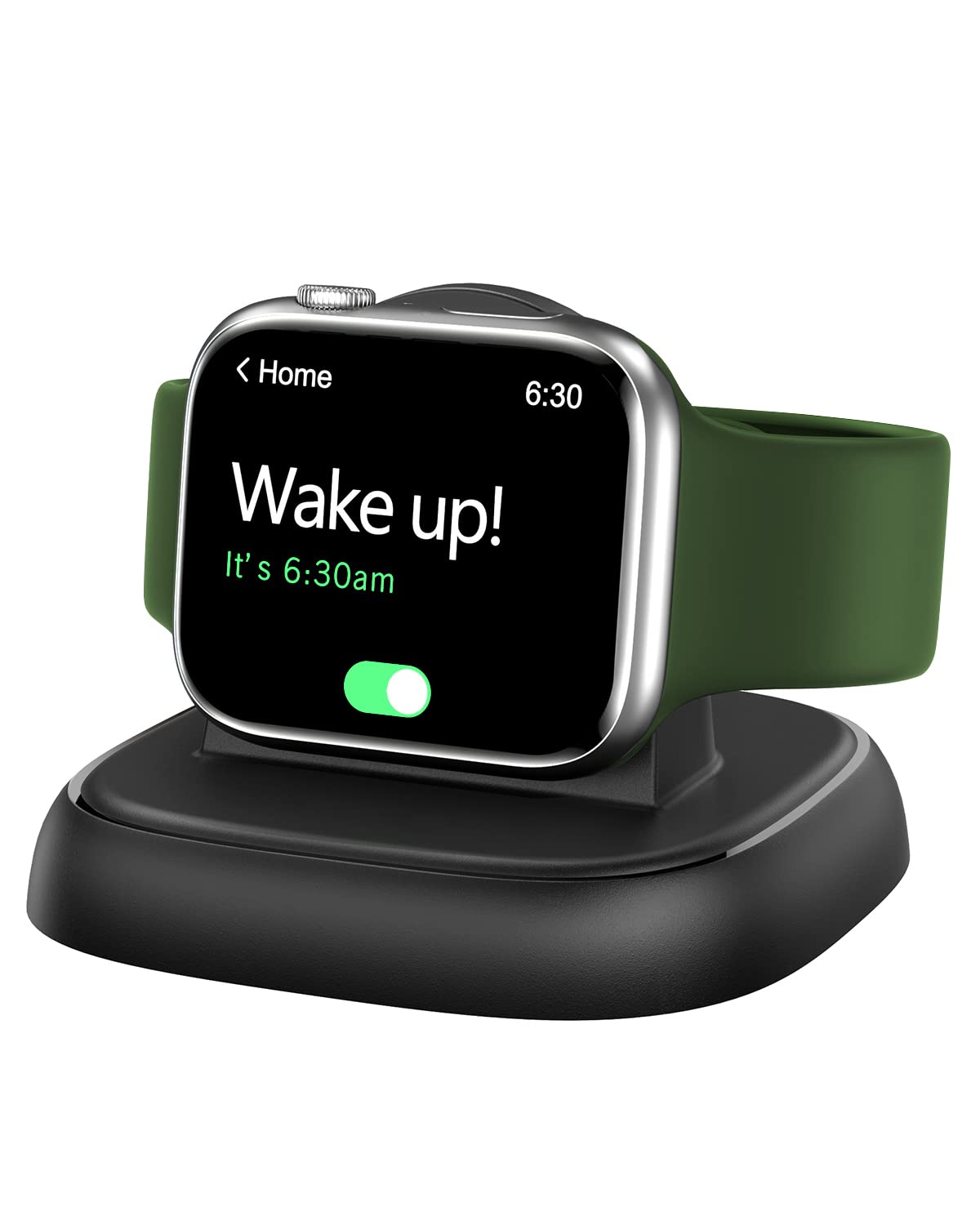

Recommended Products
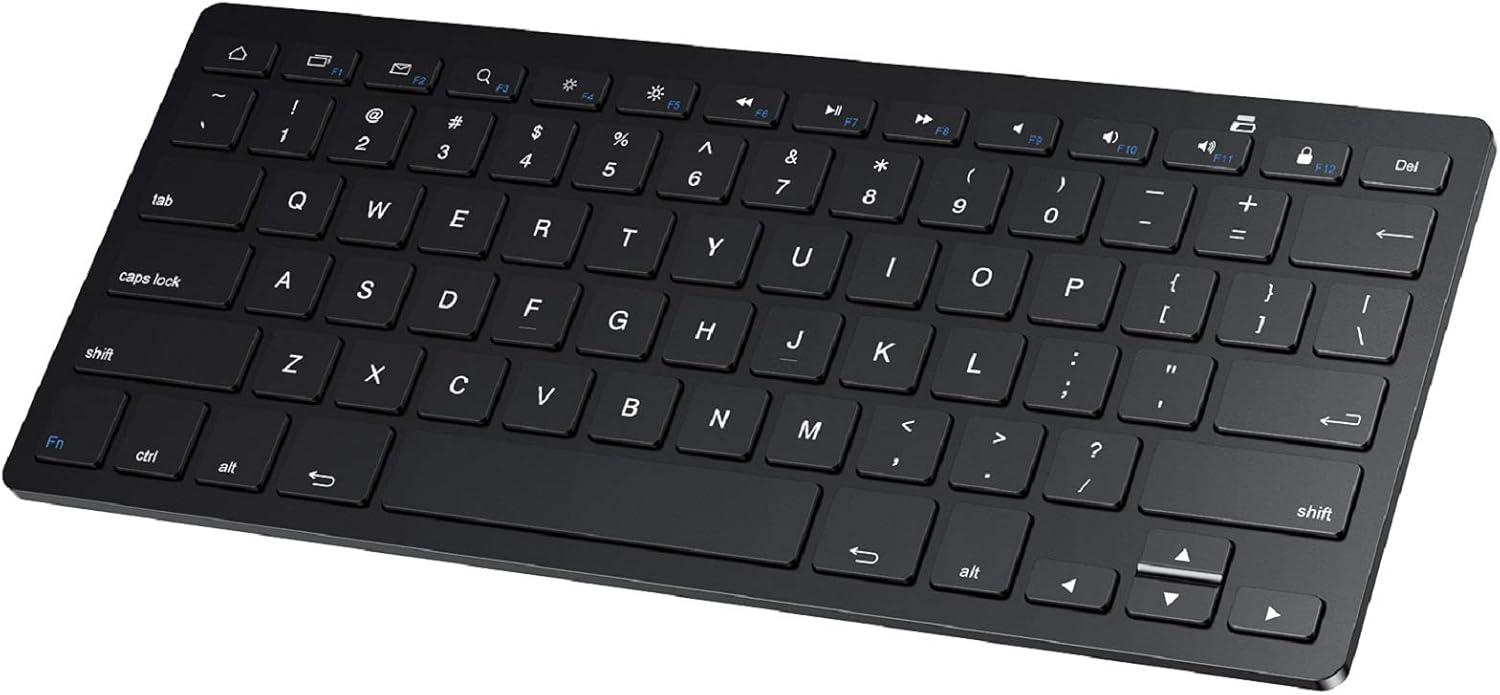
PrimeSPARIN Bluetooth Keyboard for Samsung Galaxy Tab A11+/A9 Plus/S11/S10 FE/S10+/S6 Lite and Other Android Tablet, Wireless Keyboard for Samsung Models/Windows/PC/Phone, Lightweight, Ultra-Slim
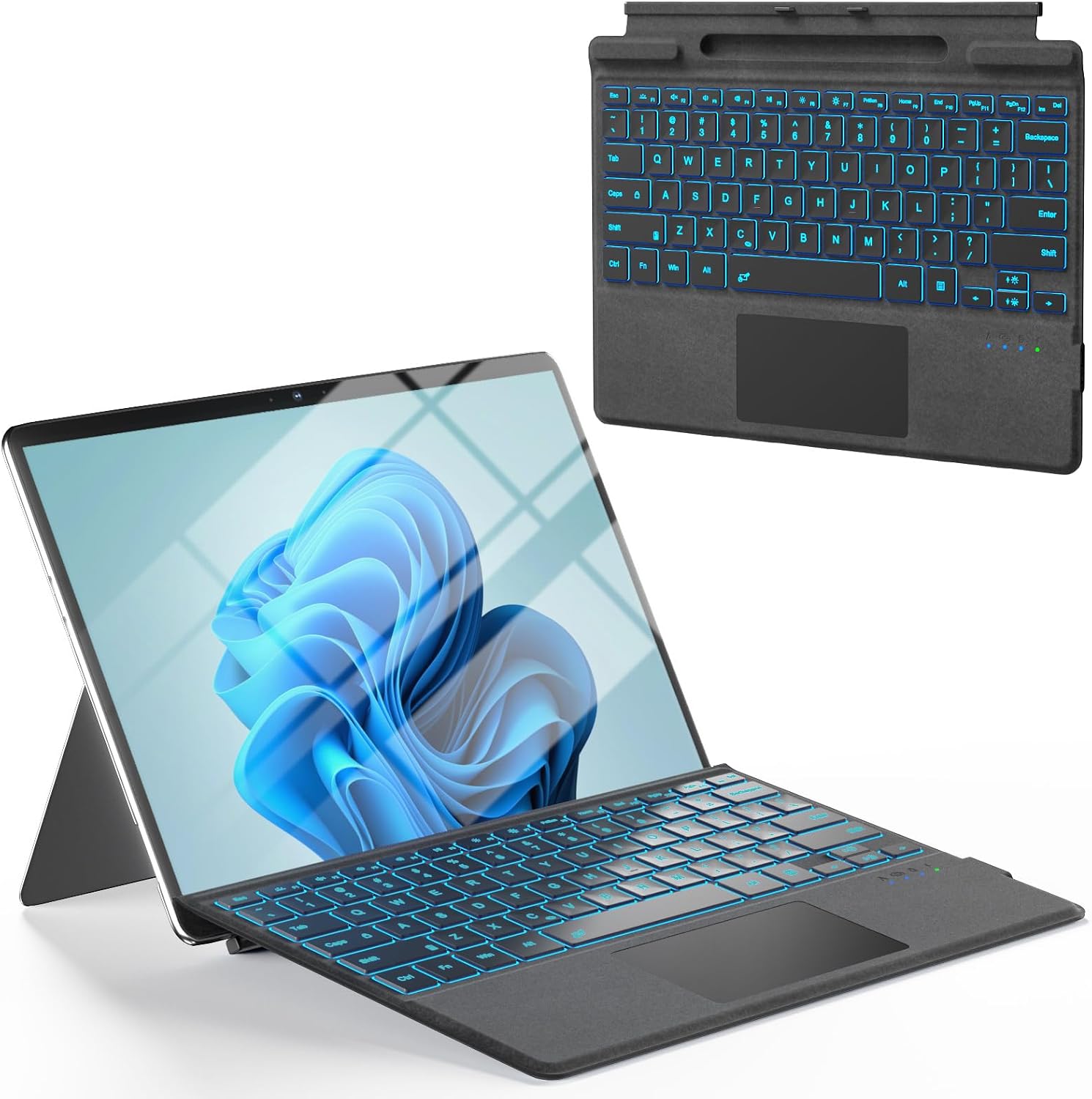
Surface Pro Keyboard, Bluetooth Wireless Type Cover for Microsoft Surface Pro 11/10/9/8/X 13 inch, Ultra-Slim Portable Magnetic Keyboard with 7 Color Backlit, Pen Hold, Trackpad, USB-C Recharge, Black

PrimeiPad Wall Mount Holder, Heavy Duty Aluminum Tablet Wall Mount, Full Motion Tilt & Swivel Base, Adjustable Foldable for Kitchen, Gym, Fits iPad Pro Air Mini, Galaxy Tab, 4.7-13" Phones & Tablets, Black
As an Amazon Associate we earn from qualifying purchases. Product prices and availability are accurate as of the date/time indicated.
Why CarPlay Is Picky About Cables
CarPlay pushes continuous two-way data, not just charging current, so a cable that tops up your phone fine can still fail in the car. Worn or uncertified cables introduce the classic symptoms: CarPlay connecting then dropping at the first bump, the interface freezing, or the head unit not detecting the phone at all. Data lines fray before power lines show problems, which is why an old bedside cable becomes a bad CarPlay cable first. For Lightning iPhones, MFi certification matters doubly here because the authentication handshake happens every time you plug in. The fix for most mysterious CarPlay misbehavior is embarrassingly simple: a fresh, certified cable kept permanently in the car.
What to Look For When Buying
Prioritize certification, strain relief, and the right length. MFi-certified Lightning cables carry the licensed authentication chip that head units expect, and the certification badge from a reputable seller is your assurance. Braided nylon jackets survive the door-pocket-and-console life far better than smooth rubber, and molded strain collars at both ends resist the bend fatigue of a cable plugged in twice daily. Length should match your car’s USB port location: a console port near the phone tray wants a short cable around thirty centimeters to avoid coils, while a glovebox or dash port may need a meter. Check the car side too; most vehicles use USB-A for CarPlay, but newer head units take USB-C.
Installation Habits That Prevent Dropouts
Where the cable lives matters as much as what you bought. Route it so the connector never bears the phone’s weight or gets crushed by the armrest, the two slow killers of car cables. Heat is the third: a cable cooking on a sun-baked dash ages fast, so tuck it shaded when parked. Keep the Lightning plug clean, since pocket lint compacted into the phone’s port causes more intermittent connections than the cable itself; a gentle clean with a wooden toothpick restores many failing setups. Dedicate one cable to the car permanently rather than carrying one back and forth, both for convenience and because plug-unplug cycles at home accelerate wear on your driving cable.
Wired Versus Wireless CarPlay Considerations
Wireless CarPlay adapters are popular in 2026, and Lightning iPhone owners often weigh them against a simple cable. The honest comparison: wireless wins on convenience for short hops where plugging in feels like a chore, while wired wins on reliability, zero connection delay, and charging the phone during navigation, which otherwise drains battery quickly over Bluetooth and Wi-Fi. Wireless adapters also introduce a small audio and touch latency some drivers notice. The pragmatic setup for many is both: an adapter for daily errands plus a quality certified cable in the console for road trips when navigation, music, and charging all run for hours. Either way, the cable you keep should be a good one.
Related guides on our site:Best Lightning to Lightning Cables in 2026: Top Specialty Cords·Best Anker Nano Power Banks in 2026: Top Compact Chargers·Best Phone Stands in 2026: Top Desktop Holders Reviewed·Best Apple Pencil Tips in 2026: Top Replacement Nibs·Best Magic John Screen Protectors in 2026: Top Easy-Install Glass.
Frequently Asked Questions
Why does CarPlay keep disconnecting over a cable that charges fine?
Charging uses only power lines, while CarPlay needs intact data lines. Internal data wires fray first, so a cable can charge normally yet drop CarPlay. Replace it with a certified cable.
Does an expensive cable make CarPlay perform better?
Beyond certification and solid construction, no. CarPlay performance is identical across working certified cables. Pay for durability features like braided jackets, not premium pricing.
What length CarPlay cable should I keep in the car?
Match the distance from USB port to phone resting spot, usually thirty centimeters to one meter. Excess length coils, snags the shifter, and stresses the connectors.
Write Your Review
No reviews yet. Be the first to share your experience!