
The iPhone 13 generation is the dependable middle of the iPhone fleet in 2026, and most units are still running on whatever charger their owner had in a drawer. A small, correct charging kit makes these phones quicker to top up and kinder to their aging batteries.


Anker iPhone Charger, 2-Pack 20W Fast USB C Charger Block, Type C Charger Fast Charging for iPhone 17/17 Pro Max/16 Series/iPad Pro and More (White, 2 Pack & 2 Cable)

![[Apple MFi Certified] iPhone 17 Charger Fast Charging, Stuffcool 4Pack PD 20W USB C Chargers Dynamic Power Adapter Type C Wall Charger + 6FT Type C Cable for iPhone 17/17 Pro/17 Pro Max/16 Pro/15/iPad](https://m.media-amazon.com/images/I/618-MJqshTL._AC_SL1500_.jpg)

Recommended Products
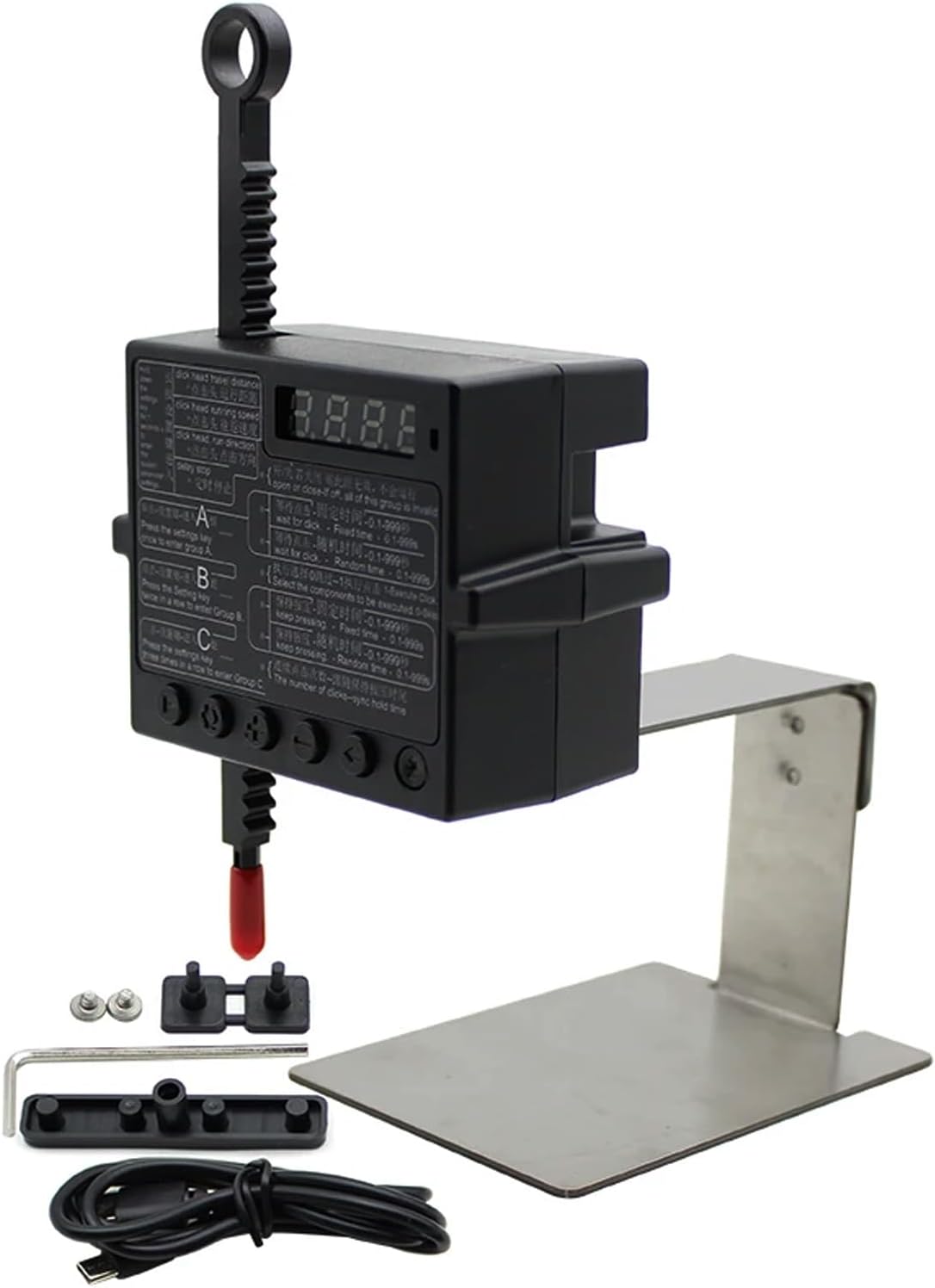
Physical Click Auto Keyboard Clicker Mouse Jigglier;Auto Random Clicking Game Assist; Mouse Mover Auto clicking Tool (ABC)
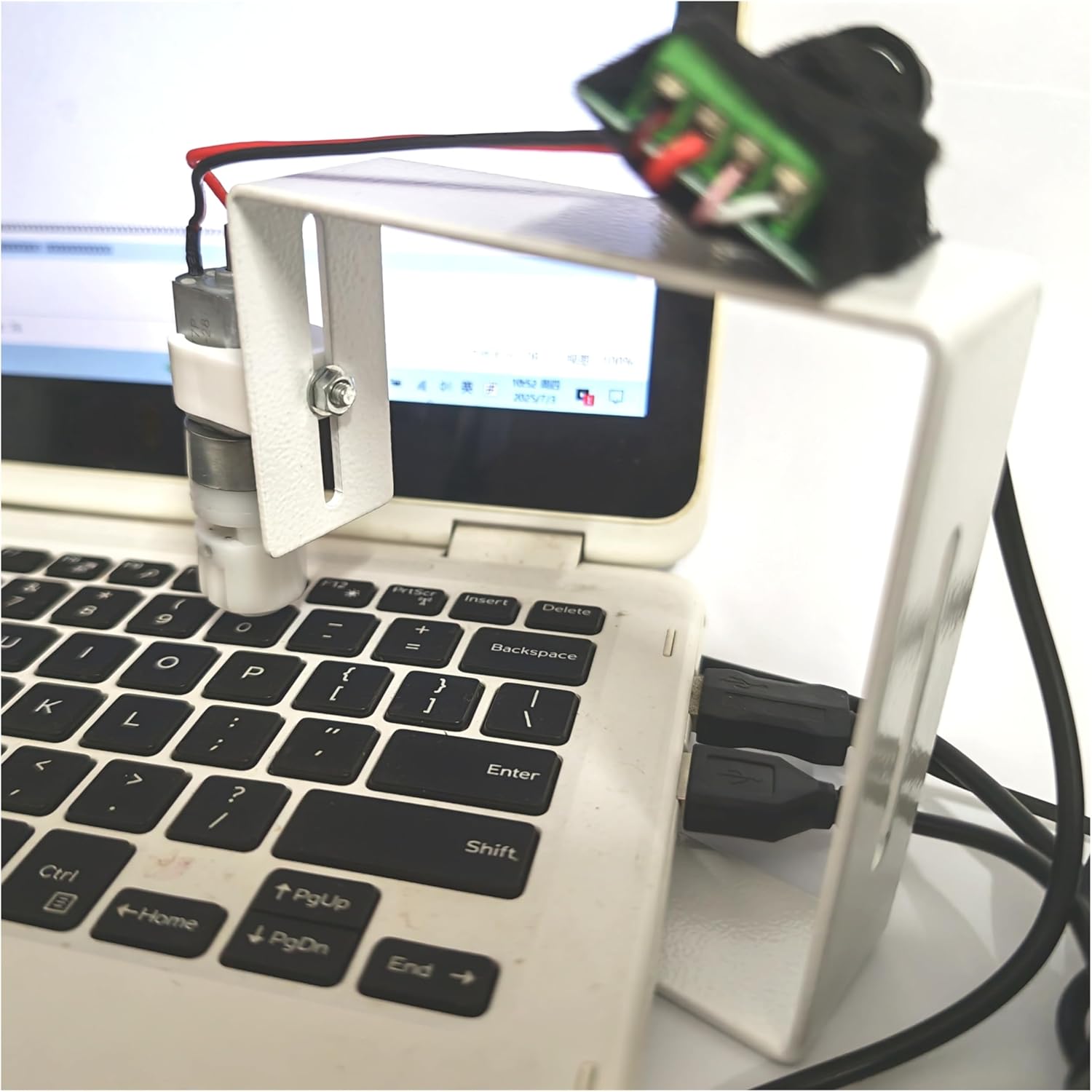
PrimePhysical Click Auto Keyboard Clicker Mouse Jiggler Mouse Mover Auto clicking Tool

PrimeKeychron J2 Wireless Mechanical Keyboard – 75% Layout with Knob, Red Switch QMK RGB Backlit, 2.4G/Bluetooth/USB, Double-Shot Cherry PBT Keycaps, Mac/Win/Linux Compatible – Black
As an Amazon Associate we earn from qualifying purchases. Product prices and availability are accurate as of the date/time indicated.
The iPhone 13 Charging Picture
Every iPhone 13 model charges through Lightning using USB Power Delivery, peaking in the low-to-mid twenty-watt range and hitting roughly fifty percent in half an hour on a proper adapter. Wireless support covers MagSafe at fifteen watts and basic Qi at lower speed, with the magnet array making the 13 fully at home on the modern Qi2 stands sold everywhere in 2026. The best kit is therefore modest: a twenty-watt USB-C wall adapter, an MFi-certified USB-C to Lightning cable, and optionally a magnetic stand. Owners still charging through old USB-A cubes are leaving half their charging speed unused, and that legacy cable is the single most common bottleneck.
Choosing Adapters That Fit Your Life
For one phone, a compact twenty-watt adapter is the exact match and costs very little from reputable brands. Gallium nitride models shrink further and run cooler, worthwhile for travel kits. If the household charges an iPad, AirPods, or a second phone nightly, a dual-port thirty-five-to-forty-five-watt adapter consolidates the bedside tangle, with the usual check on how wattage splits across ports under load. Car charging deserves the same standards, since cheap cigarette-lighter adapters are the most failure-prone chargers people own; a certified dual-port car adapter covers navigation days. Whatever the format, safety certification and a known brand matter more on the wall side than anywhere else in the chain.
Wireless Charging an Aging Battery Wisely
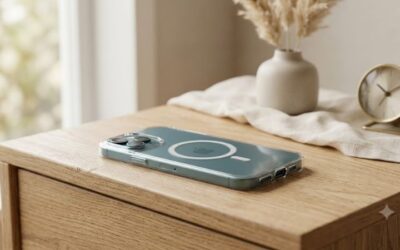
Magnetic charging suits the iPhone 13 well, with one battery-health caveat. Wireless transfer generates more heat than cable charging, and heat is what ages lithium cells, so the smart pattern for a three-or-four-year-old battery is wireless for overnight and desk sipping, cable for fast top-ups before leaving. A certified magnetic charger keeps coils aligned and minimizes waste heat, while loose Qi pads under a thick case run warm doing slow work, the worst combination. Make sure the case has a real magnet ring. If the battery already shows heavy wear, prioritize a battery service over charger upgrades; afterward, the same quality chargers will keep the new cell healthy far longer.
A Sensible Kit and Cable Discipline
The complete iPhone 13 setup in 2026 costs less than a dinner out: one twenty-watt wall adapter at the bedside, one in the bag or office, a certified braided USB-C to Lightning cable in each spot, and a car charger if you drive. Braided cables with molded strain relief survive years where smooth rubber frays in months, and replacing a fraying cable promptly is genuine fire-and-battery hygiene, not fussiness. Keep one Lightning cable in the travel pouch permanently so packing never strips the bedside. With Lightning now a legacy connector, buying certified rather than gas-station cables also matters for longevity, since the cheap clones increasingly cut corners as the market shrinks.
Related guides on our site:Best iPad Stands in 2026: Top Desktop and Floor Holders·Best iPhone 16 Chargers in 2026: Top Fast-Charging Blocks·Best iPhone 15 Chargers in 2026: Top USB-C Plugs·Best iPhone 17 Chargers in 2026: Top Next-Gen Power Adapters·Best iPhone 14 Chargers in 2026: Top Fast-Charging Plugs.
Frequently Asked Questions
What charger does the iPhone 13 need for fastest charging?
A twenty-watt or higher USB-C Power Delivery adapter with an MFi-certified USB-C to Lightning cable. That combination reaches about fifty percent charge in thirty minutes.
Can the iPhone 13 use Qi2 magnetic chargers?
Yes. The 13’s MagSafe magnets align with Qi2 stands and pads, charging wirelessly at up to fifteen watts through certified chargers.
Is it bad to keep using my old 5W cube with the iPhone 13?
It is safe, just slow, taking hours for a full charge. Slow overnight charging is actually gentle on the battery, but daytime top-ups will feel painfully limited.

Write Your Review
No reviews yet. Be the first to share your experience!