
The tenth-generation iPad supports two very different Apple Pencils, and choosing between them confuses more buyers than any other pairing question. This 2026 guide untangles the compatibility, compares the real differences, and covers the third-party alternative.



Apple Pencil for iPad (1st Generation) Bluetooth and Lightning connector -White (Renewed)
Recommended Products
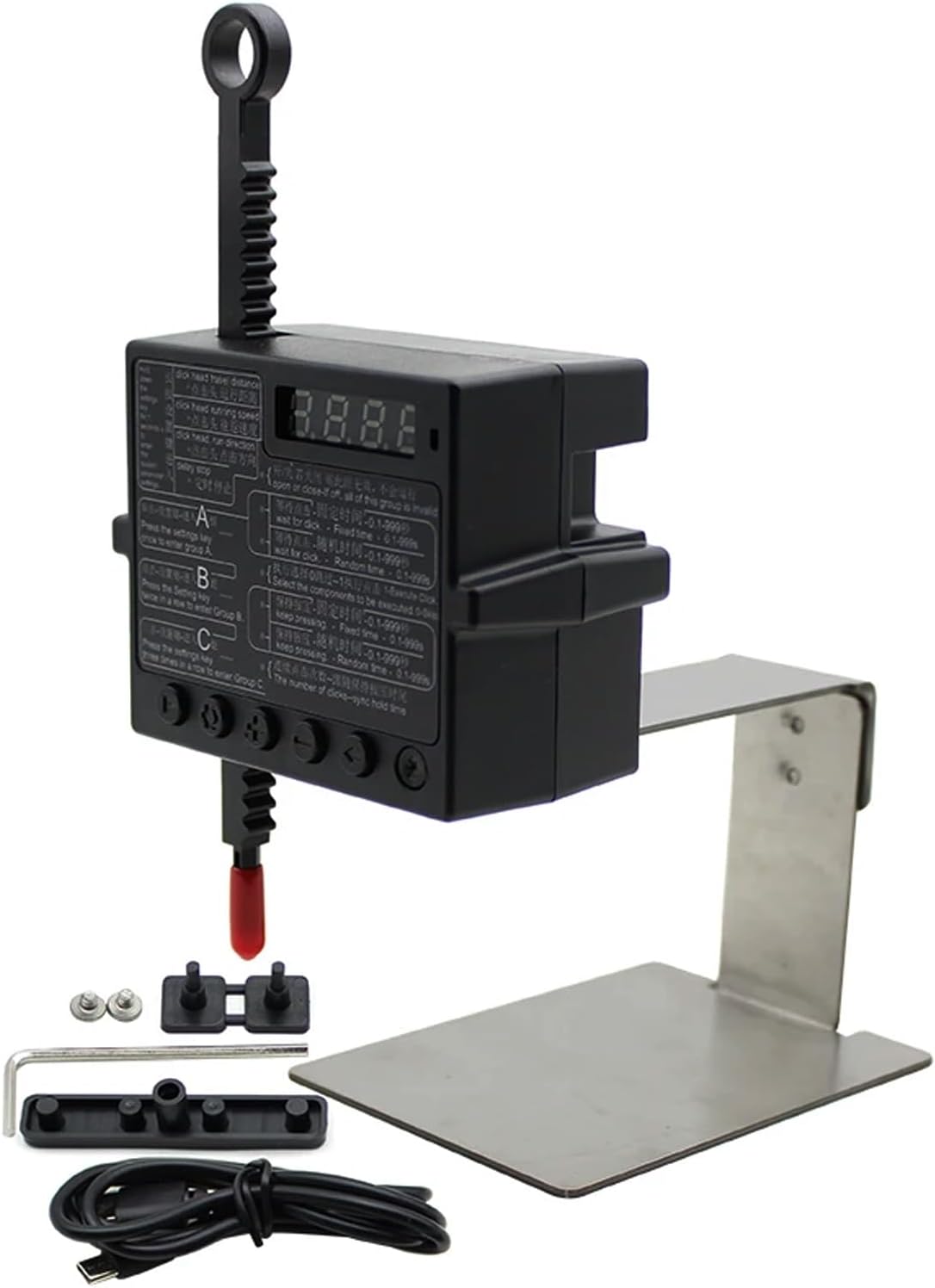
Physical Click Auto Keyboard Clicker Mouse Jigglier;Auto Random Clicking Game Assist; Mouse Mover Auto clicking Tool (ABC)
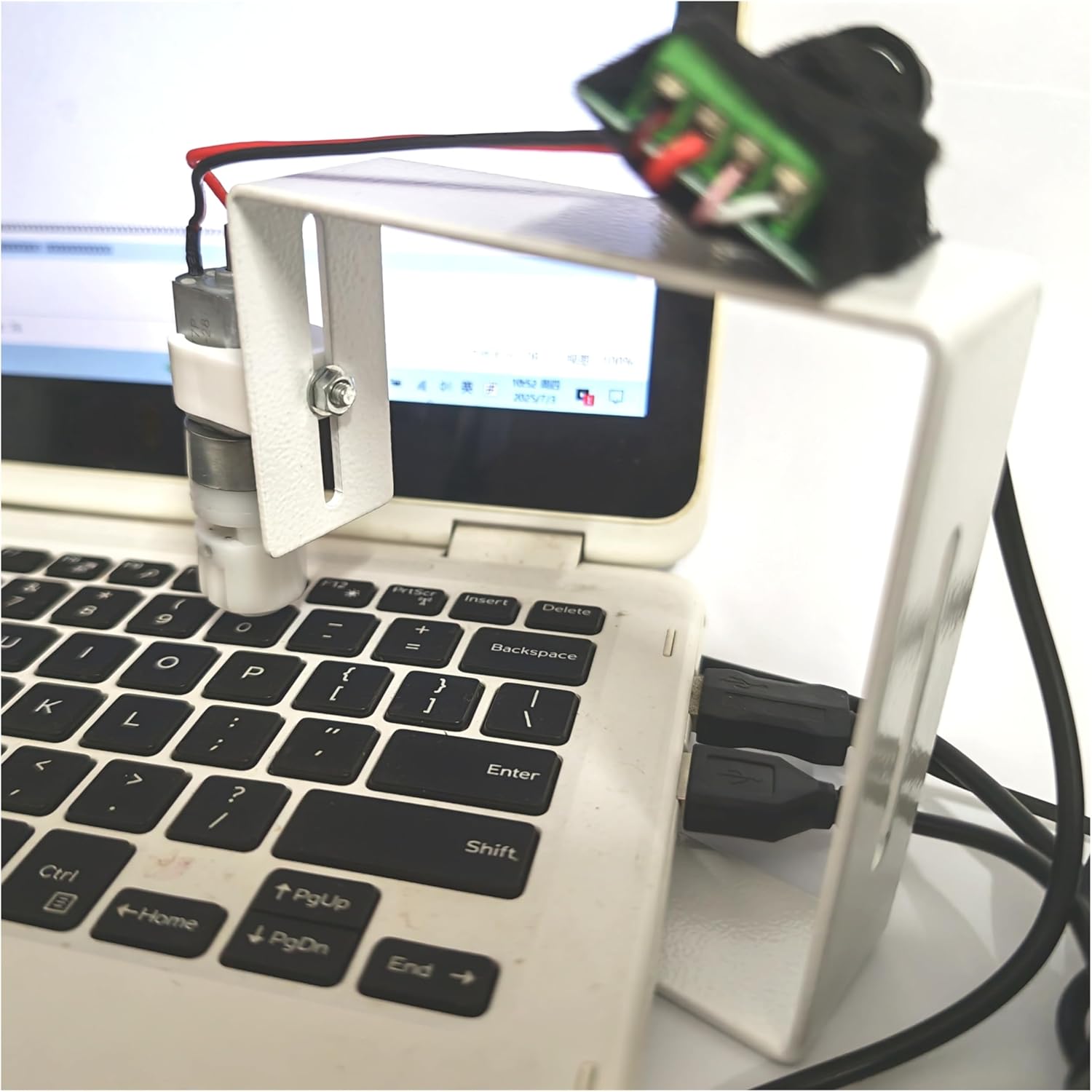
PrimePhysical Click Auto Keyboard Clicker Mouse Jiggler Mouse Mover Auto clicking Tool

PrimeKeychron J2 Wireless Mechanical Keyboard – 75% Layout with Knob, Red Switch QMK RGB Backlit, 2.4G/Bluetooth/USB, Double-Shot Cherry PBT Keycaps, Mac/Win/Linux Compatible – Black
As an Amazon Associate we earn from qualifying purchases. Product prices and availability are accurate as of the date/time indicated.
The Compatibility Picture, Plainly
The tenth-generation iPad pairs with exactly two Apple styluses: the first-generation Apple Pencil and the Apple Pencil with USB-C. It does not support the second-generation Pencil or the Pencil Pro, despite the iPad’s modern flat-edge design, because it lacks the magnetic pairing-and-charging hardware those models require. The first-generation Pencil brings a wrinkle of its own, charging through Lightning in a USB-C world, which means it needs the included USB-C adapter and a cable to charge from this iPad. The USB-C Pencil charges directly by cable through a sliding cap. Both attach magnetically to the iPad’s side for storage only, without charging there. Confirming this picture before buying prevents the category’s most common returned purchase.
First-Generation Pencil: Full Features, Awkward Charging
The original Pencil remains the feature-richer choice for this iPad, uniquely offering pressure sensitivity, which the USB-C model omits. Artists who shade by pressing harder and note-takers who want line weight variation get genuine benefit, and handwriting feel, latency, and tilt support are excellent. The cost is charging ergonomics from another era: the Lightning Pencil charges via adapter and cable from the tenth-gen iPad, a dongle dance that owners learn to schedule rather than improvise. The removable cap and adapter are famously losable, making a tethered cap and spare adapter sensible companions. For users whose work depends on pressure response, the inconvenience is worth absorbing; for everyone else, the calculus tilts to the newer stick.
USB-C Pencil: Simpler, Cheaper, Lighter on Features
The Apple Pencil with USB-C is the pragmatic pick for the tenth-gen iPad’s core audience. It charges through a simple USB-C cable via its sliding cap, costs less than the first-generation model, and covers note-taking, document markup, and casual drawing with the same low latency, tilt support, and hover capability on supported iPads. The omission is pressure sensitivity, so strokes vary by tilt and speed but not by force, a limitation serious artists feel immediately and most students never notice. It also attaches magnetically to the iPad’s edge for storage. For homework annotation, journaling, and the recipe-margin demographic, it is the right tool at the right price, and the charging simplicity matches the iPad it pairs with.
Third-Party Styluses and Final Advice
A healthy third-party market serves this iPad with styluses that mimic Pencil basics, including palm rejection and tilt, at well under Apple’s prices. The best of them suit budget-conscious students fine, with the caveats that pressure sensitivity is absent across the category for this iPad, pairing is sometimes fussier, and build quality varies by brand reputation. Whichever stylus you choose, add a case with a Pencil loop, since this iPad gives no charging dock to any of them, and loose styluses leave. The decision tree is short: artists who need pressure pick the first-generation Pencil and tolerate its adapter; everyone else takes the USB-C Pencil or a reviewed third party and enjoys the simpler life.
Related guides on our site:Best Apple MagSafe Battery Packs in 2026: Top Magnetic Power Banks·Best Magnetic iPhone Chargers in 2026: Top MagSafe Stands·Best Portable iPhone Chargers in 2026: Top Power Banks·Best iPhone 17e Cases in 2026: Top Slim Protective Covers·Best iPhone XR Cases in 2026: Top Retro Protective Covers.
Frequently Asked Questions
Does the Apple Pencil 2 work with the 10th generation iPad?
No. The tenth-gen iPad lacks the magnetic charging hardware the second-generation Pencil and Pencil Pro require. It supports only the first-generation and USB-C Pencils.
How does the 1st gen Pencil charge with this iPad?
Through the included USB-C to Pencil adapter and a USB-C cable, since the Pencil has a Lightning connector and the iPad a USB-C port.
Which Pencil should students get for the 10th gen iPad?
The USB-C Pencil for most students: cheaper, simpler charging, and full note-taking capability. Choose the first-generation Pencil only if pressure-sensitive drawing matters.
Write Your Review
No reviews yet. Be the first to share your experience!