
The Apple Pencil is a precision tool, and the right accessories make it more comfortable, more secure, and longer-lasting. From grips that ease hand fatigue to replacement tips and chargers, here are the Apple Pencil add-ons worth buying in 2026. Whether you sketch for hours, mark up PDFs all day, or just jot the occasional note, the accessories below solve the four problems every Pencil owner eventually runs into: hand fatigue, worn tips, losing the stylus, and awkward charging.



Apple Pencil for iPad (1st Generation) Bluetooth and Lightning connector -White (Renewed)
Recommended Products
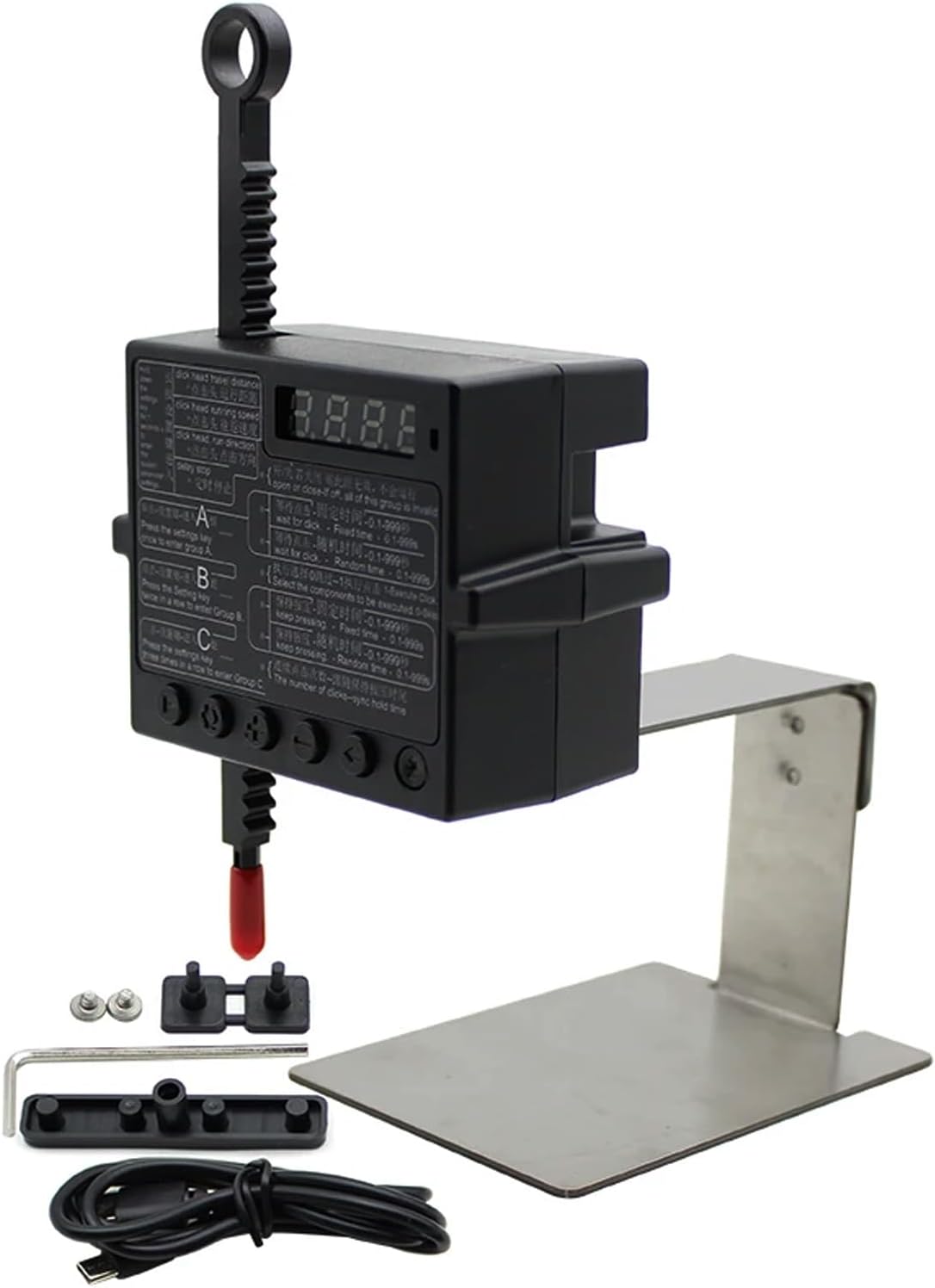
Physical Click Auto Keyboard Clicker Mouse Jigglier;Auto Random Clicking Game Assist; Mouse Mover Auto clicking Tool (ABC)
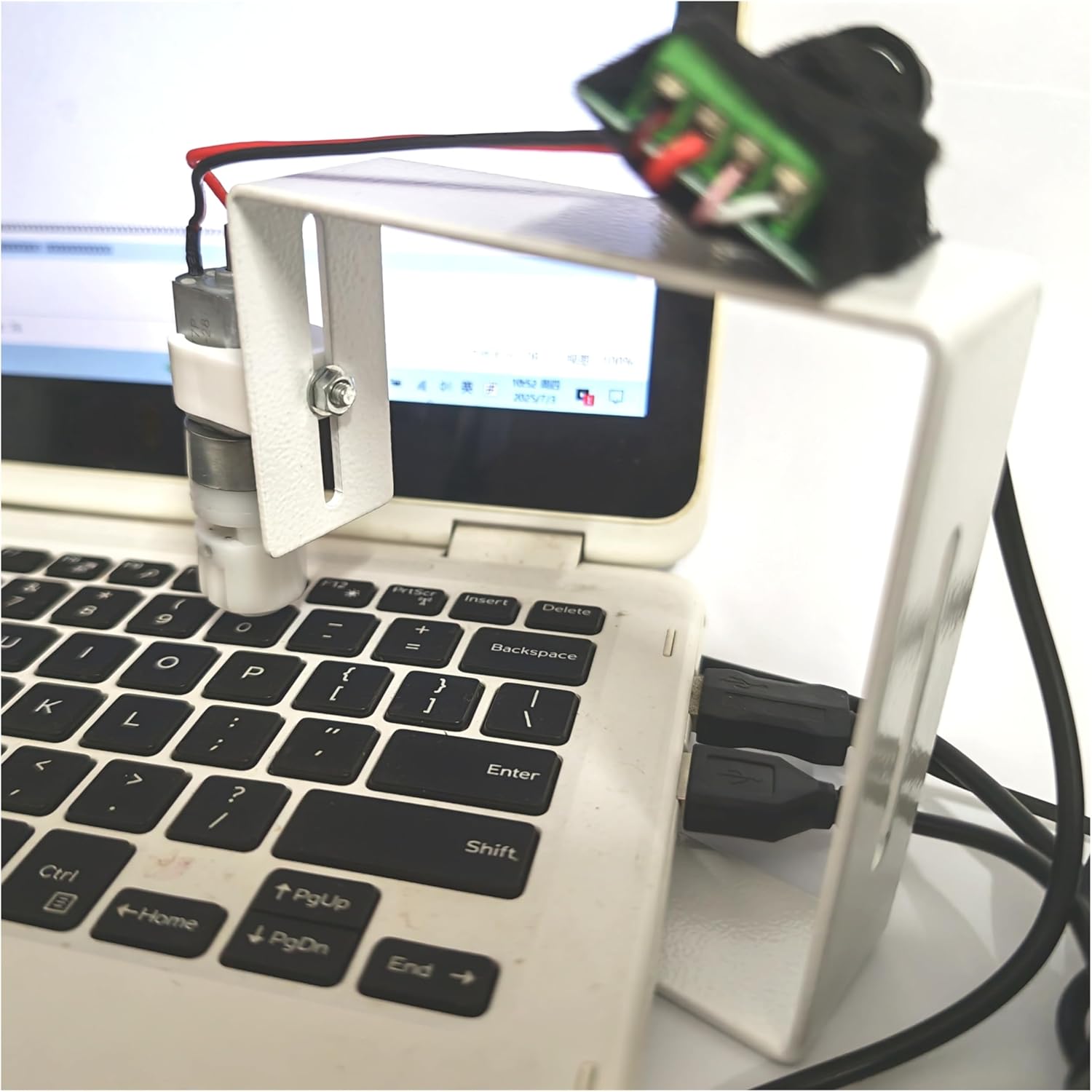
PrimePhysical Click Auto Keyboard Clicker Mouse Jiggler Mouse Mover Auto clicking Tool

PrimeKeychron J2 Wireless Mechanical Keyboard – 75% Layout with Knob, Red Switch QMK RGB Backlit, 2.4G/Bluetooth/USB, Double-Shot Cherry PBT Keycaps, Mac/Win/Linux Compatible – Black
As an Amazon Associate we earn from qualifying purchases. Product prices and availability are accurate as of the date/time indicated.
Grips That Save Your Hand
The Pencil’s slim, glossy barrel tires hands during long drawing or note sessions. Silicone sleeve grips add thickness and tackiness like a quality pen, while ergonomic molded grips shift pressure off your fingertips. Artists drawing for hours benefit most — just check the grip allows magnetic attachment and charging, or is easy to slide off. Look for grips with a slight triangular or contoured profile if you suffer from cramping, and avoid overly bulky foam sleeves that can throw off the balance and make fine detail work feel imprecise. A good grip should feel like an extension of your hand, not a bandage over a problem.
Replacement Tips and When to Change Them
Tips wear down with use, especially on matte screen protectors, and a worn tip skips and scratches. Standard replacements restore the stock feel; aftermarket fine-point and needle tips improve precision for detail work, while soft dampened tips add paper-like resistance. If you use a paper-feel screen protector, expect to swap tips every two to three months. A telltale sign a tip is done is a flattened, angled wear-spot or a metal core starting to show through — keep using it past that point and you risk scratching the glass or protector underneath. Buying tips in a multipack is far cheaper per unit than single replacements, so stock up.
Holders, Cases, and Anti-Loss
The magnetic side-mount holds the Pencil for travel but knocks loose in bags. A hard case or elastic holder attached to your iPad case keeps it secure, and tether-style holders suit students and field workers. Some iPad cases include a covered Pencil garage — the safest everyday option. If you commute or carry your iPad loose, a case with an enclosed Pencil slot is worth prioritising over any standalone holder, because the number-one way people lose a Pencil is having it roll off a desk or slide out of a bag. For shared or classroom iPads, a coiled tether that clips to the case removes the risk entirely.
Charging Adapters
First-generation Pencil owners juggling the Lightning cap should grab a small charging adapter so the Pencil charges from a normal cable. USB-C Pencil users can charge from the iPad directly; a short right-angle USB-C cable makes desk charging tidy. Keep the tiny female-to-female Lightning adapter that shipped with the first-gen Pencil on a keyring or in your case, because it is astonishingly easy to lose and inconvenient to replace. For Pencil 2 and Pencil Pro users, charging is passive off the magnetic strip, so the accessory that matters most there is simply a case that keeps the Pencil seated firmly against the magnets while it tops up.
How to Match Accessories to the Way You Use Your Pencil
Not every add-on suits every user, so start from your habits. Heavy illustrators should invest first in a comfortable grip and a stash of tips, since those two items directly affect comfort and line quality over long sessions. Students and note-takers benefit most from anti-loss holders and paper-feel protectors, which make handwriting feel natural and keep the Pencil attached to the iPad between classes. Occasional users who annotate documents can skip most accessories entirely and just keep a spare tip on hand. Buying to your actual workflow avoids clutter and wasted money.
Accessories to Skip
Some add-ons promise more than they deliver. Universal ‘fits all stylus’ grips often don’t seat properly on the Pencil’s exact diameter and can block magnetic charging. Ultra-cheap unbranded tip packs wear unevenly and can leave residue on your screen. Decorative skins look fun but frequently interfere with the flat magnetic edge that pairs and charges the Pencil 2. When in doubt, choose accessories explicitly listed as compatible with your exact Pencil generation rather than generic one-size-fits-all products.
Related guides on our site:Best Fast iPhone Chargers in 2026: Top High-Speed Plugs·Best iPhone 16 Pro Cases in 2026: Top Slim and Tough Picks·Best USB-C Ethernet Hubs in 2026: Top Wired Adapters·Best 10000mAh Power Banks in 2026: Top Compact Chargers·Best Solar Power Banks in 2026: Top Outdoor Chargers.
Frequently Asked Questions
Do grips interfere with magnetic charging?
Thin silicone grips designed specifically for the Pencil 2 and Pencil Pro usually leave the flat magnetic edge exposed, so they allow magnetic attachment and charging. Bulkier ergonomic grips normally must be slid off before the Pencil will seat on the iPad. Always check the product description for a note confirming it is charging-compatible before you buy.
How often should I replace my Apple Pencil tip?
On a bare glass screen, a tip commonly lasts six months or more. On a matte paper-feel screen protector, the added texture wears tips faster, so plan to swap every two to three months or as soon as you feel scratching or skipping. Replace immediately if you see the metal core through the worn plastic, as it can scratch your screen.
Are aftermarket Pencil tips safe?
Quality aftermarket tips work fine and often ship in useful variations such as fine-point tips for detail work and damped tips for paper-like feel. The main risk is with the very cheapest unbranded multipacks, which can wear unevenly, feel gritty, or leave residue. Stick to reputable brands with strong reviews and your screen and writing feel will be safe.
Which accessories do I actually need for note-taking?
For handwriting and PDF annotation, prioritise a paper-feel screen protector for natural friction, an anti-loss holder or case with a Pencil slot, and a spare tip or two. You can skip pressure-focused accessories aimed at artists. This small kit keeps the Pencil attached to your iPad, makes writing feel less like sliding on glass, and costs far less than a full artist setup.
Can I use one grip or case across different Apple Pencil models?
Usually not. The first-generation Pencil, the Pencil 2, the USB-C Pencil and the Pencil Pro differ in diameter, length and how they charge, so a grip or holder built for one often fits another poorly or blocks charging. Always buy accessories listed as compatible with your specific Pencil generation rather than trusting universal-fit claims, which tend to compromise the fit.




Write Your Review
No reviews yet. Be the first to share your experience!