
The tip is the only part of an Apple Pencil that touches the screen, and it quietly shapes how every stroke feels. In 2026 the replacement nib market offers far more than Apple’s stock spares, and this guide sorts the options by feel, wear, and value.



Apple Pencil for iPad (1st Generation) Bluetooth and Lightning connector -White (Renewed)
Recommended Products
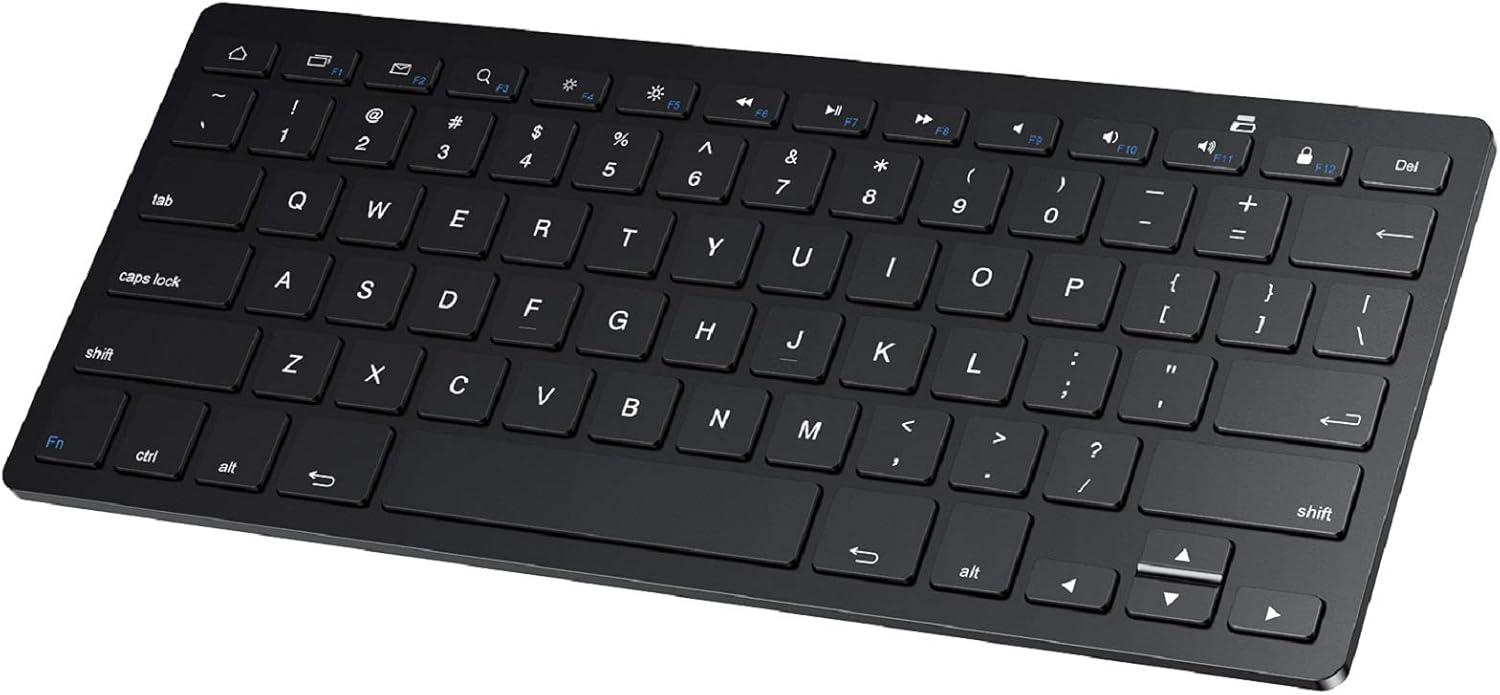
PrimeSPARIN Bluetooth Keyboard for Samsung Galaxy Tab A11+/A9 Plus/S11/S10 FE/S10+/S6 Lite and Other Android Tablet, Wireless Keyboard for Samsung Models/Windows/PC/Phone, Lightweight, Ultra-Slim
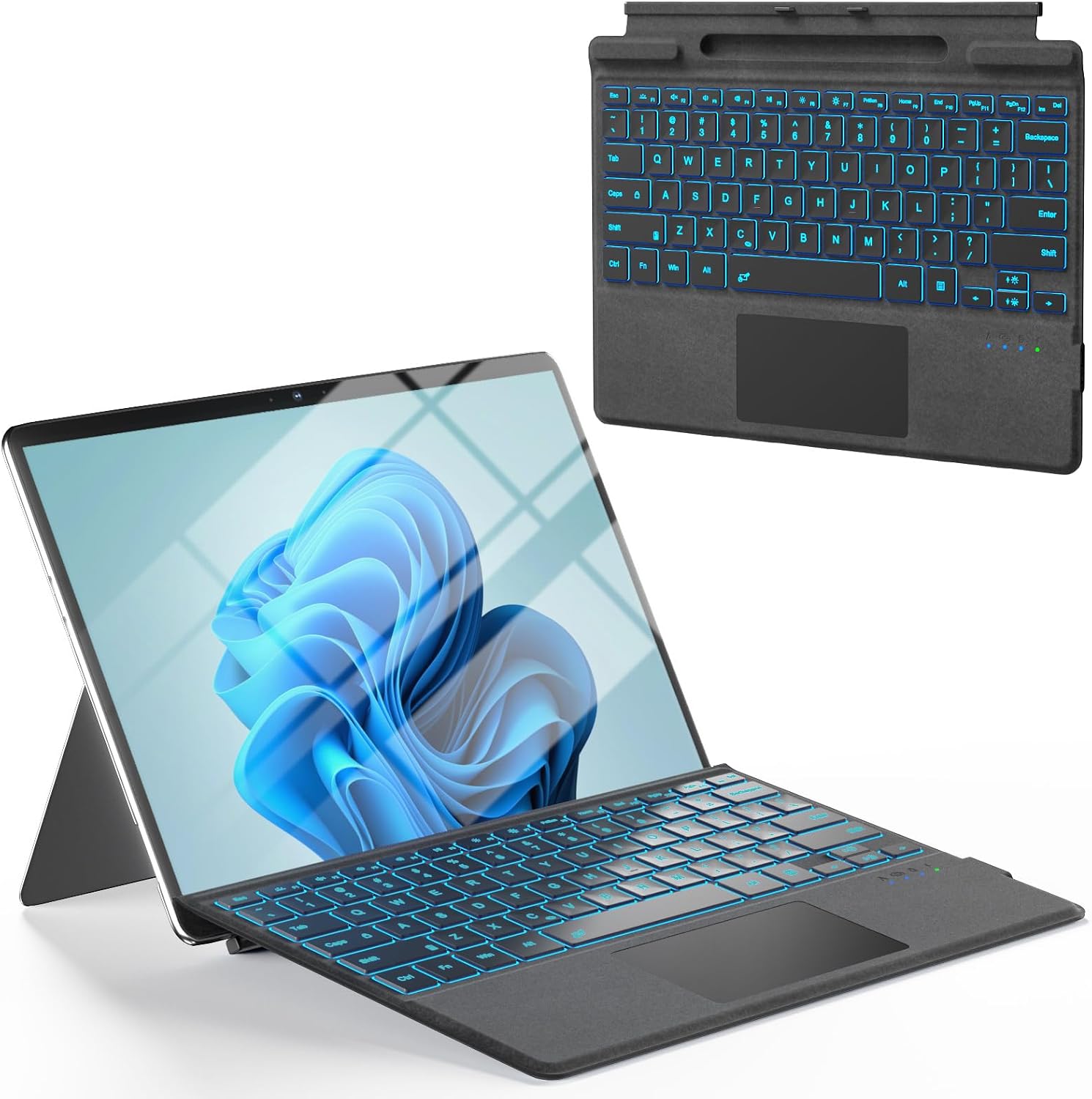
Surface Pro Keyboard, Bluetooth Wireless Type Cover for Microsoft Surface Pro 11/10/9/8/X 13 inch, Ultra-Slim Portable Magnetic Keyboard with 7 Color Backlit, Pen Hold, Trackpad, USB-C Recharge, Black

PrimeiPad Wall Mount Holder, Heavy Duty Aluminum Tablet Wall Mount, Full Motion Tilt & Swivel Base, Adjustable Foldable for Kitchen, Gym, Fits iPad Pro Air Mini, Galaxy Tab, 4.7-13" Phones & Tablets, Black
As an Amazon Associate we earn from qualifying purchases. Product prices and availability are accurate as of the date/time indicated.
What to Look For in Replacement Tips
All modern Apple Pencils, from the first generation through the USB-C model and the Pencil Pro, share the same screw-in tip mount, so compatibility is rarely the problem; feel and durability are. The stock-style smooth polymer tip is the baseline: quiet enough, durable on bare glass, and predictable. From there, tips differentiate on contact-patch size, hardness, and damping. Harder fine-point tips sharpen precision but click loudly and wear screen protectors faster. Softer elastomer-capped tips add friction and silence at the cost of quicker wear. Check that any third-party tip lists pressure and tilt sensitivity as unaffected, and avoid bare metal contact points, which can scar matte screen films.
Matching Tip Type to How You Work
Note-takers who write fast benefit most from damped or rubber-feel tips, which add pen-on-paper resistance and remove the skating sensation that makes handwriting sloppy on glass. Illustrators doing detailed lineart lean toward fine-point tips whose narrow cores show exactly where ink will land, similar to a hard pencil. Painters and broad-stroke artists often prefer the stock profile, which glides predictably under the side of the nib during shading. If you use a paper-texture screen protector, the protector already supplies friction, so pair it with a durable smooth tip rather than doubling up on drag. There is no single best nib; there is a best nib per workflow, and tips are cheap enough to experiment.
Wear, Replacement Timing, and Screen Safety
Tips are consumables, and recognizing wear protects both your accuracy and your screen. A healthy tip is symmetrically rounded; a worn one develops a visible flat facet, wobbles slightly in the mount, or starts mistracking fast diagonal strokes. On bare glass, stock tips can last a year or more, while heavy daily use on matte paper-feel protectors can eat a tip in eight to twelve weeks. Replace a tip immediately if the polymer wears through to any internal core, because that is when screen scratches happen. Swapping takes ten seconds, unscrew counterclockwise and thread the new tip finger-tight. Keep a spare in your bag or iPad case; tips fail at inconvenient times by tradition.
Value Strategies and Multipacks
Apple sells official spares in four-packs at a fair price, and they remain the safe default for anyone unsure. Reputable third-party multipacks cost less per tip and often mix profiles, letting you trial fine, standard, and damped styles in one purchase, which is the most efficient way to find your preference. Specialty metal-core fine tips with polymer sleeves run pricier but last notably longer for detail artists. Whichever route you take, store spares in a small pouch rather than loose in a bag where pocket grit embeds in the polymer. And resist the temptation of ultra-cheap unbranded packs with no material details; a five-dollar saving is poor insurance against a thousand-dollar screen.
Related guides on our site:Best MagSafe Compatible Cases in 2026: Strong Magnets, Real Charging·Best iPhone 12 Cases in 2026: Keep an Older iPhone Going Strong·Best Women’s Apple Watch Bands in 2026: Style for Every Wrist·Best Apple Pencil 2nd Generation Deals & Alternatives in 2026·Best Tempered Glass Screen Protectors in 2026: Real Protection.
Frequently Asked Questions
Do all Apple Pencil generations use the same replacement tips?
Yes. The first and second generation, the USB-C model, and the Apple Pencil Pro share the same screw-in tip mount, so most replacement tips fit all of them.
How do I know when my Apple Pencil tip needs replacing?
Look for a flat worn facet, wobble in the mount, or strokes mistracking. If polymer wears through to any internal core, replace it immediately to protect your screen.
Do third-party tips affect pressure sensitivity?
Quality third-party tips preserve full pressure and tilt response because sensing happens inside the Pencil body. Very soft aftermarket tips can subtly change the force curve feel.




Write Your Review
No reviews yet. Be the first to share your experience!